Dr. Keri Brown, ND
Naturopathic & Functional Medicine
Naturopathic & Functional Medicine




Founded by Dr. Keri Brown, Naturopathic Doctor and functional medicine practitioner with over 27 years of experience, this work supports women who feel inflamed, exhausted, overwhelmed, or disconnected from their vitality.
We don't do quick fixes or punishing plans - we address the real drivers of your body-mind issues.

We look at blood sugar, hormones, gut, liver, sleep, stress, and history together.

Clear Resset support and plans you can live with- not perfection.

We honor your past, your sensitivity, and your nervous system
Virtual support — with clear next steps for both 1:1 care and guided programs.
Licensed naturopathic doctor • functional testing • whole-body healing



Blood Sugar & Metabolic Health
Blood Sugar Reset
Structured program for cravings, A1c, energy crashes, insulin resistance, weight, and metabolic healing.

Root-Cause Functional Medicine
Personalized review of labs, symptoms, hormones, thyroid, mold, inflammation, and next steps.

Mind-Body & Nervous System Support
Support for stress patterns, nervous system overload, emotional blocks, and stuck healing.
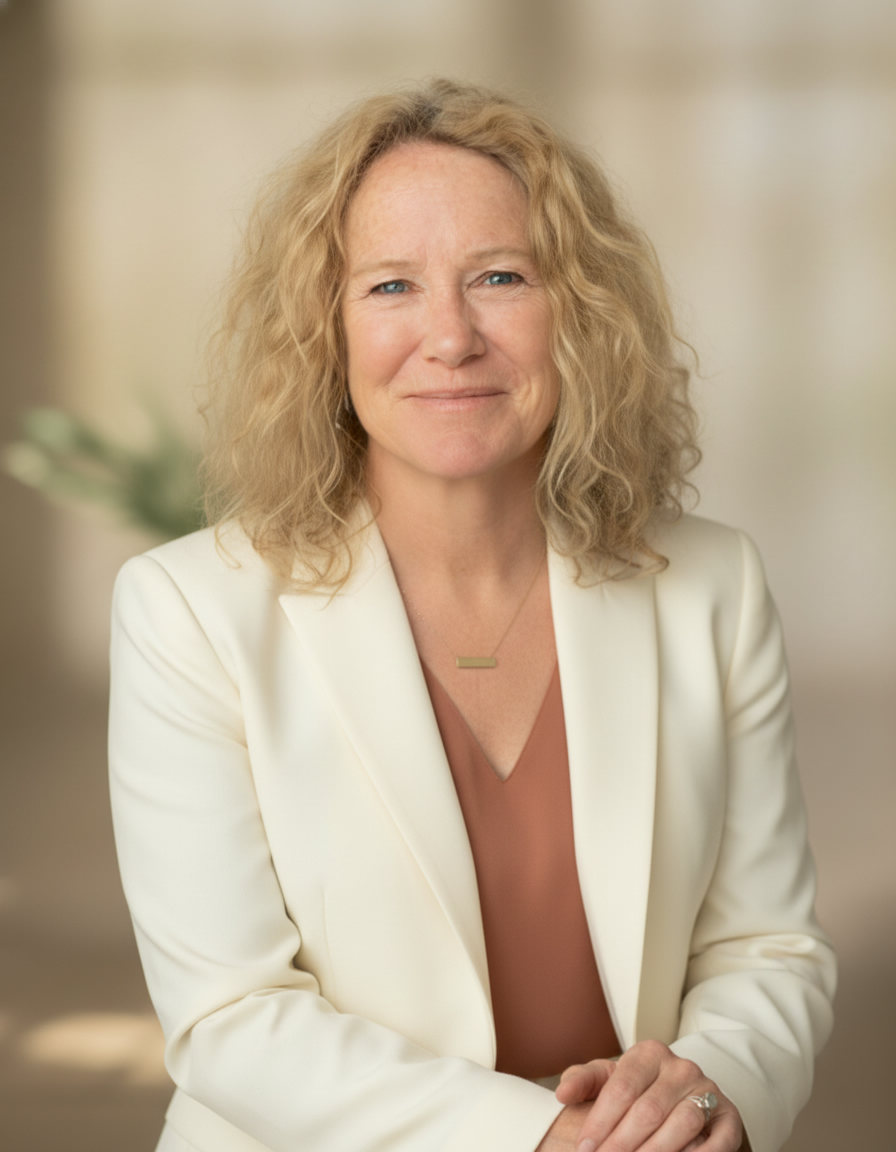
I am Dr. Keri Brown, a Naturopathic Doctor, functional medicine practitioner, educator, and retreat facilitator with over 27 years of clinical experience.
My work is shaped by both professional training and personal healing - including navigating mold illness, hormonal imbalance, chronic stress, trauma physiology, and spiritual awakening.
I blend science-based diagnostics with whole-body medicine, trauma-informed care, breathwork, and energetic integration to help women who feel out of balance, inflamed, confused by their symptoms, or lost in the medical system.

Prediabetes or elevated A1c
Cravings or energy crashes
Weight gain around the waist
Insulin resistance
Brain fog or poor sleep
Need for structure and accountability
Healing on a cellular level...
Prediabetes or elevated A1c
Cravings or energy crashes
Weight gain around the waist
Insulin resistance
Brain fog or poor sleep
Need for structure and accountability
Healing on a cellular level...

The 7-Day Blood Sugar & Vitality Reset Guide
A simple, powerful introduction to stabilizing blood sugar, calming inflammation, and restoring energy naturally.
This free guide gives you a calm, structured starting point – without overwhelm.
For educational purposes only. Not a substitute for medical care.



BEST DETOXIFICATION AND HEALTH PROGRAM
"It's the best detoxification and health program I've ever encountered – well-rounded & very informative. This program is truly beneficial in maintaining good health at an important age. Thanks"
INSPIRING AND FILLED WITH COMMON SENSE
"Truly, the best in learning about health and wellness approaches are fun and workable. Dr. Keri Brown shares her fields of expertise and clinical expertise in a manner that is inspiring, actionable, and grounded in common sense.
RECOMMEND DR. BROWN 100%
"I'm completing the 3rd week of my cleanse. From a weight-loss standpoint, I lost 12 pounds in 3 weeks. From a health standpoint, I have more energy and feel much healthier. I would recommend it 100%."
INNOVATIVE SPEAKER & OUTSTANDING CLASS
“Dr. Keri Brown is known for her innovative programs and approaches to using integrative natural medicine for optimal health and recovery. Her outstanding programs and consultations promise to provide the self-care skills you need to live a healthy, productive life now and in the long run.”
I FEEL SO MUCH BETTER
“Within a few days, I woke up refreshed and ready to go with tons of energy. I saw actually improvements in my bouts of depression and my mental clarity. I feel so much better. I know I have a long way too, but I’m off to a great start. My husband noticed a difference in me and even embraced these dietary changes. I could quickly eat this way for the rest of my life.”
HIGHLY RESPECTED IN HER FIELD
"Doctors in naturopathic medicine are highly respected in their fields and are considered very successful in their expertise. Such a doctor has every confidence in their craft and aims to help patients by utilizing the body's inner strength. Dr. Keri Brown is just that kind of Doctor."
Invite Dr. Keri to speak on blood sugar, women’s health, nervous system healing, and whole-body medicine.